A Dog & Cat Wallpaper Generator Built for Pet Owners
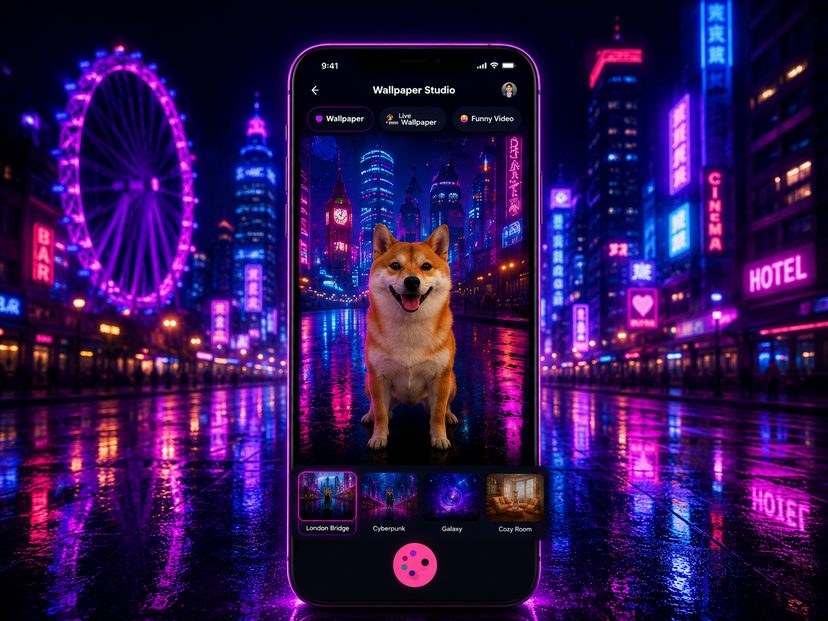
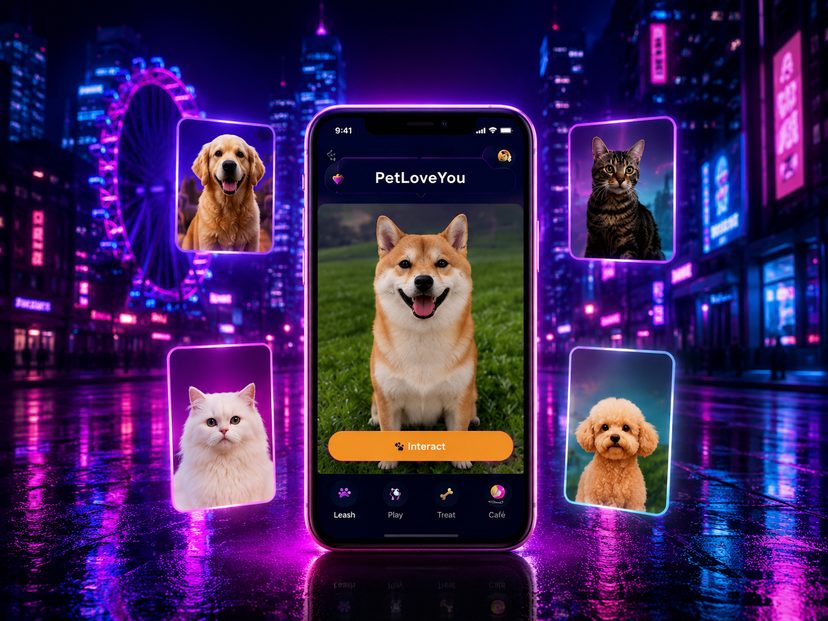
PetLovesYou's wallpaper generator is designed specifically for pet photos. Upload a clear photo of your dog or cat, choose a style, and get a personalised wallpaper placing your pet into a new scene — ready for your lock screen or home screen.
Static and Live Wallpapers
Create a still image or an animated video wallpaper from the same pet photo. A saved video is not automatically an iPhone Live Photo or an animated system wallpaper. Lock-screen motion depends on the exported format, iPhone and iOS support, and the setup steps available on your device. Static images can be saved and selected as wallpaper in iOS Settings.
From One Photo to Many Scenes
You don't need a new photoshoot every time. PetLovesYou can generate multiple different wallpaper scenes from a single photo of your pet, so you can change your look whenever you like.
What Makes a Good Wallpaper Photo?
Use one sharp, well-lit photo with the pet facing the camera, its face unobstructed and as much of its body visible as possible. Avoid other animals, leashes and clothing you do not want in the result. A scene may infer hidden markings or change facial details; an exact likeness is not guaranteed.
What Is Free and What Uses Bones?
Guest Mode previews demo content without an account. The in-app Free option offers one wallpaper generation; it is not a recurring subscription trial. Further creation depends on subscription access and available Bones. Static, live and funny-video options have different Bone costs, shown before generation; extra Bone packs are sold separately.
Wallpaper Questions
Do I need separate dog or cat photos for each style?
No. One primary photo can be reused for different styles. A new image is useful when the original is dark, blurred or hides important features.
Will a generated video play automatically on my lock screen?
Not necessarily. A video file and a supported Live Photo are different formats. Check your device's wallpaper options and the app's export instructions before expecting lock-screen animation.
Can I save my wallpaper?
Supported creations can be saved to Photos after granting access. Select a saved static image in iOS Settings to use it as wallpaper. Contact support for export or permission problems.
Can generation remove a leash?
Prompts can request a pet without walking equipment, but removal is not guaranteed. Start with an accessory-free photo when possible.
Create Your Pet's Wallpaper
Download PetLovesYou and turn a pet photo into a personalised wallpaper today.
⬇ Download on the App Store