A Digital Pet, Made From Your Own Pet
A virtual pet companion is more meaningful when it actually looks like your dog or cat. PetLovesYou uses one photo you provide to build a personalised 3D companion — not a generic avatar, but a digital version created from your own pet.
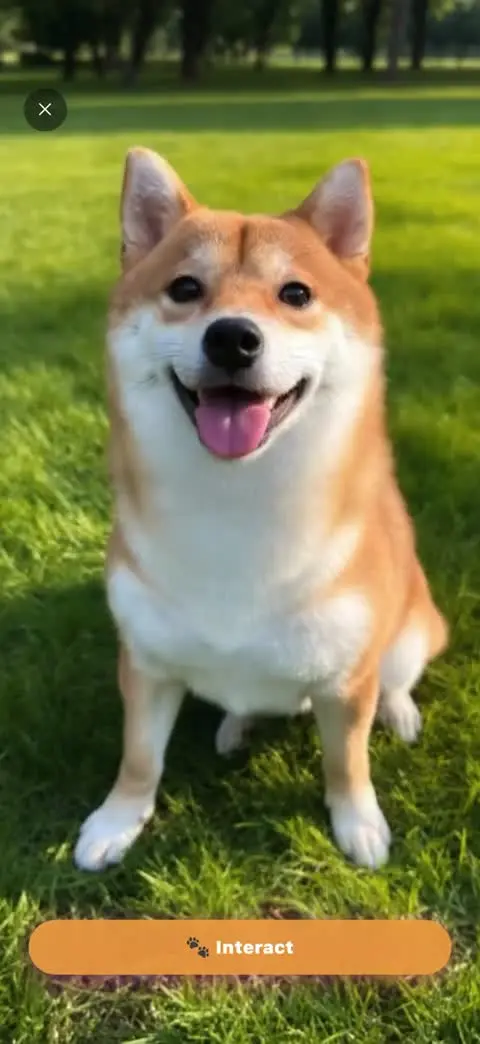
3D From One Photo
Create and view a static model based on your dog or cat.
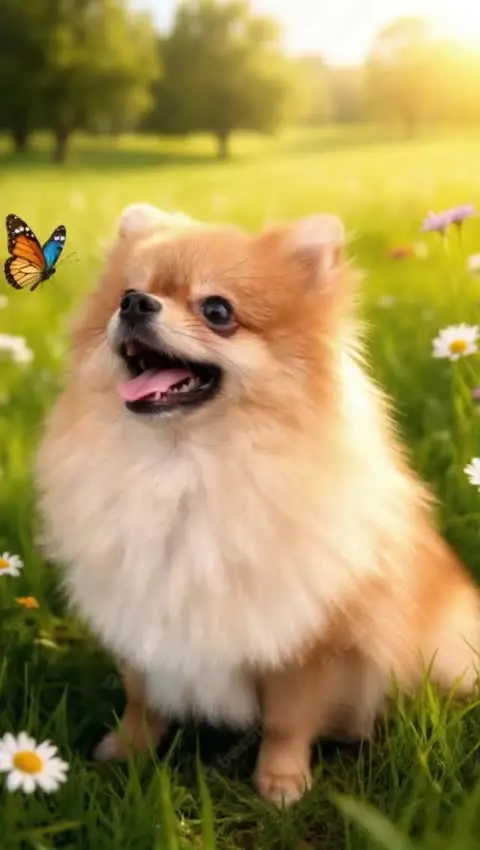
Separate Video Interactions
Generated video clips provide Sitting, Playing and other actions; the model itself is not rigged.
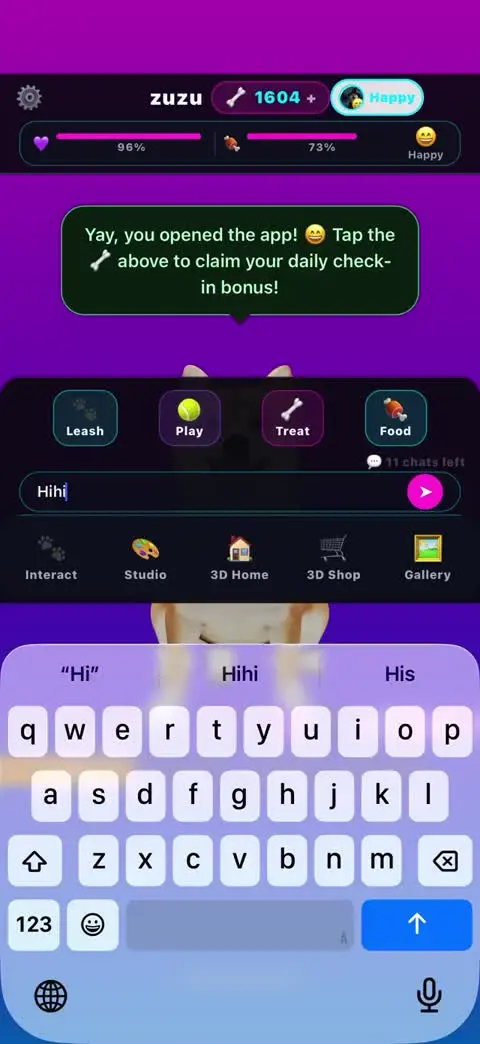
Playful Conversations
Chat responses are AI-generated entertainment, not your pet's actual thoughts.
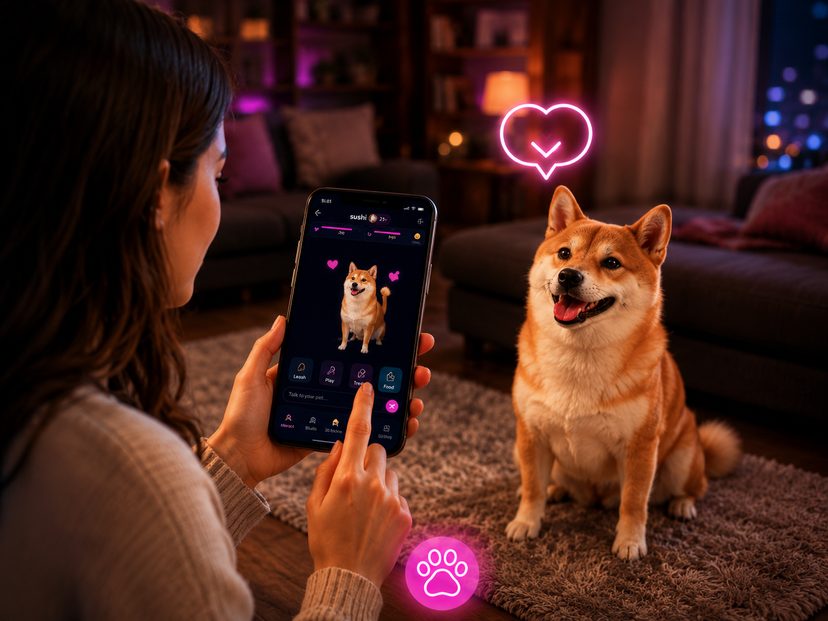
Inside Your App
View saved creations inside PetLovesYou; keep your original photos too.
What Makes a Virtual Pet Companion Feel Personal
Generic virtual pets look the same for everyone. PetLovesYou's approach starts with a real photo of your dog or cat, so the 3D companion reflects their markings and look — making the experience feel like it belongs to your pet, not a stock character.
More Than Just a 3D Model
Alongside the 3D companion, PetLovesYou also creates AI videos and wallpapers from the same photo — so your pet shows up across your experience, not just in one place.
Meet Your Pet in 3D
Download PetLovesYou and create your pet's 3D companion from one photo.
⬇ Download on the App StoreIs the 3D Pet Animated?
No. The current photo-generated model is a static 3D representation, not a rigged animal that walks or performs actions. AI video scenes provide moving experiences separately. A model can approximate hidden body details and may not reproduce the original pet exactly.
Which Photo Works Best for 3D?
Choose a sharp, well-lit image with one pet, a clear face and as much of the body and legs visible as possible. A front-facing standing pose helps reveal body shape. A face-only crop leaves the model to invent most of the body; a seated pose can also require more interpretation.
3D Companion Questions
Do model slots mean separate pet accounts?
No. Model slots and generation history are representations within the current pet experience, not a promise of independent pet profiles. Check the current app for slot limits and costs.
Does 3D generation cost anything?
The app includes paid features. Available generations depend on your access and allowance; certain additional generations use Bones. Review the in-app plan and generation prompt for the current cost.
Will the model be an exact replica?
No. Shape, markings and unseen details can vary. The result is an AI interpretation, not a measured scan of the animal.
Can I use an older pet photo?
Yes, if the photo is clear enough to show the face and body. Blurry, obstructed or very low-resolution images make faithful reconstruction harder.